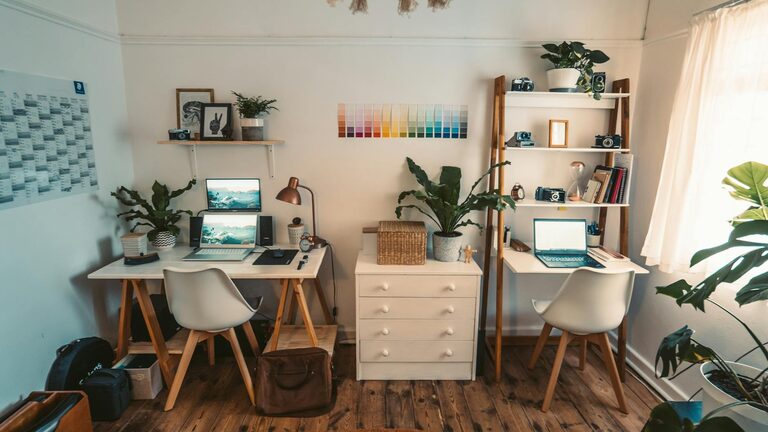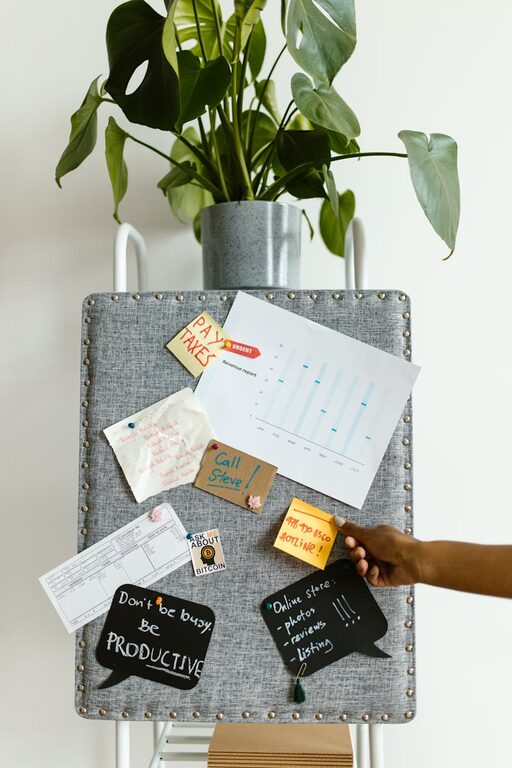
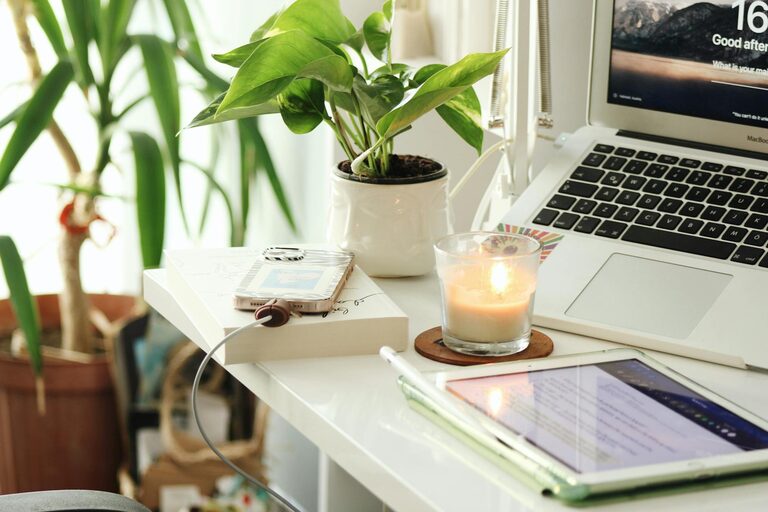
Creating a home workspace that is both cozy and productive can significantly improve your work-from-home experience. Whether you’re freelancing, telecommuting, or managing a personal project, having a dedicated area that feels comfortable and helps you concentrate is key to success. In this post, we’ll explore simple, effective tips to design a workspace that balances comfort with functionality.
Choose the Right Location
Find a Quiet Spot
Select a space that is relatively quiet and free from distractions. If possible, choose a room or corner away from busy household areas. This helps keep interruptions to a minimum and allows for better focus.
Consider Natural Light
Working near a window provides natural light, which can boost mood and energy. Position your desk where you can benefit from daylight, but avoid harsh glare on your computer screen by using blinds or sheer curtains.
Invest in Comfortable Furniture
Ergonomic Chair
A supportive, ergonomic chair is an essential investment. Look for adjustable features that support your posture, including lumbar support, height adjustment, and comfortable cushioning to prevent back pain.
Functional Desk
Choose a desk that fits your space and work style. It should offer enough surface area for your computer, notebooks, and essential tools without feeling cluttered.
Organize Efficiently
Declutter Regularly
Keep your workspace tidy by removing unnecessary items. A clutter-free environment reduces stress and helps maintain focus.
Use Storage Solutions
Incorporate shelves, drawers, or organizers to store documents and supplies. Label containers to easily locate what you need without interrupting your workflow.
Personalize Your Space
Add Cozy Elements
Incorporate elements like a soft rug, cushions, or a cozy throw to make the area inviting. Personal touches contribute to a warm, welcoming feel.
Include Plants
Plants not only enhance aesthetics but also improve air quality and promote a sense of calm. Choose easy-care varieties like succulents or pothos.
Manage Lighting Wisely
Task Lighting
In addition to natural light, provide adjustable task lighting such as a desk lamp. This ensures you have adequate light when working in the evening or on cloudy days.
Warm Light Choices
Opt for warm, soft light bulbs to create a relaxing atmosphere without eye strain.
Minimize Distractions
Set Boundaries
If you share your home with others, communicate your work hours and workspace boundaries clearly to minimize interruptions.
Use Noise Control
Consider noise-canceling headphones or white noise machines to block out background sounds, allowing you to stay focused.
Incorporate Healthy Habits
Take Regular Breaks
Stand up, stretch, or walk around periodically. These short breaks prevent fatigue and boost productivity.
Hydrate and Snack Smartly
Keep water and healthy snacks within reach to maintain energy levels throughout your work session.
Optimize Technology Setup
Reliable Equipment
Make sure your computer, printer, and internet connection are dependable to avoid unnecessary frustration.
Cable Management
Organize cables with clips or sleeves to keep your workspace neat and prevent tangling.
Maintain Work-Life Balance
Create a “Start” and “End” Routine
Design rituals that signal the beginning and end of your workday. This helps separate work time from personal time even when working at home.
Avoid Working in Bed
Try to limit work activities to your designated workspace to maintain healthy separation between relaxation and work zones.
—
By combining these tips, you can create a home workspace that feels inviting and supports your productivity. Remember that your workspace should reflect your personal preferences and work habits. Take your time setting it up, and adjust as needed to find the perfect balance. Happy working!